
Many districts are now shifting to where they will at least start the school year with remote learning. While instructional technology has been gaining prominence in recent years, I still see many teachers who are unsure of what tools are good or which ones to use for their class. Here is a list I’ve put together of the 7 tools I use frequently in recent years, and intend to continue using, in no particular order.
1. Google Classroom/Suite
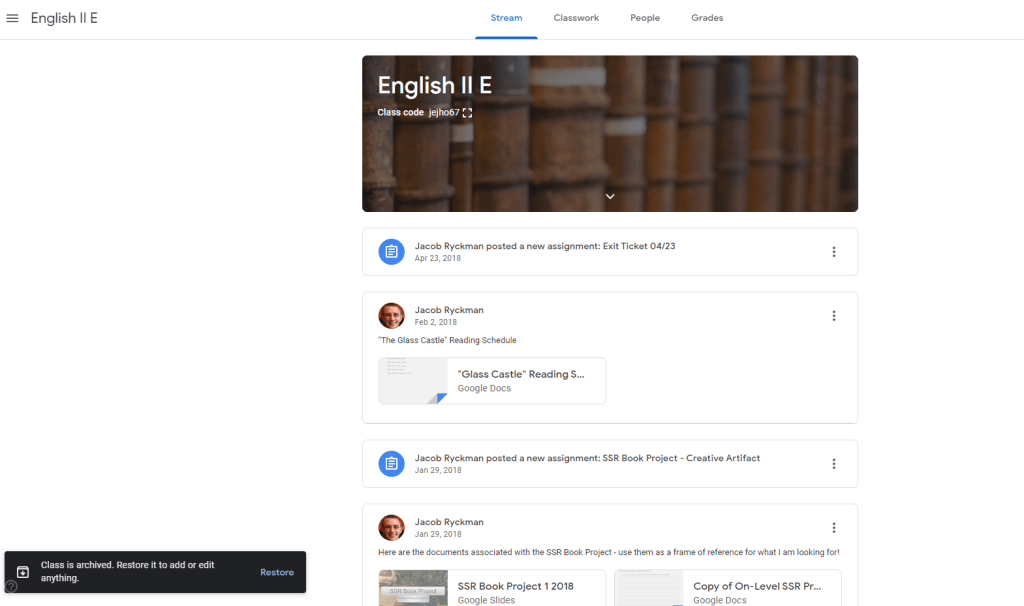
Google Classroom and, in turn, the Google Suite, are downright essential during these remote learning times. Google Classroom allows teachers to post assignments, notes, videos…literally anything the students might need for virtual learning. Honestly, if you aren’t using it yet, get on that!
And if you’re unsure of where to start, I have a handy-dandy tutorial ready to go for just that purpose!
2. Nearpod
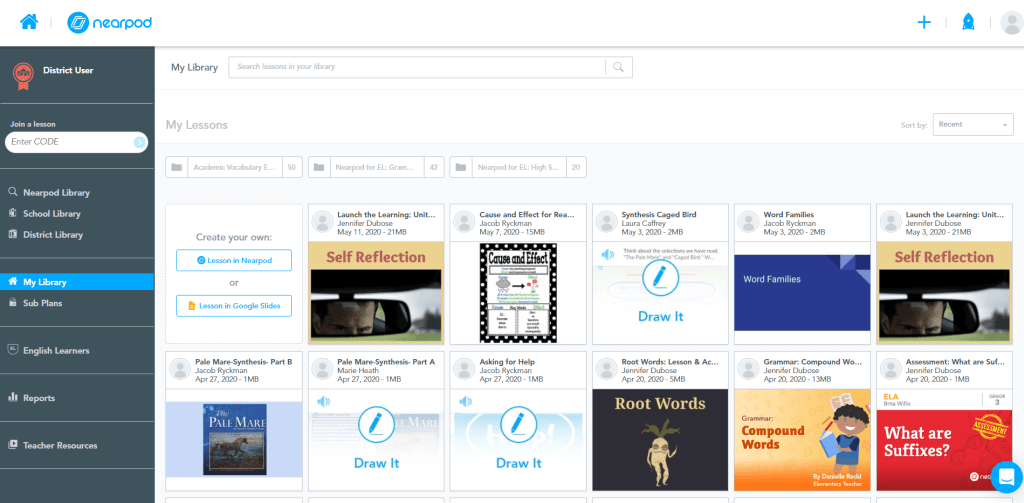
The best way to describe Nearpod is that it is like PowerPoint, but with loads more functionality. Sure, you can create some basic presentations with the program, but it offers a whole lot more. Personally, I love the interactivity of the program; even while giving information, I can have students answer polls, ask questions, and even draw examples in real-time as we go along. For remote learning, it is also incredibly useful to provide asynchronous links to students – that way, if they are unable to join any synchronous learning, they don’t miss out on the material.
The Nearpod team has also been doing a lot of work to integrate their software with other programs like Flipgrid and Google Slides, with promises of more to come. It’s exciting!
If you’re in need of a tutorial, Teacher Brett has a really great (and energetic) one made specifically with remote learning in mind. Check it out!
3. NewsELA
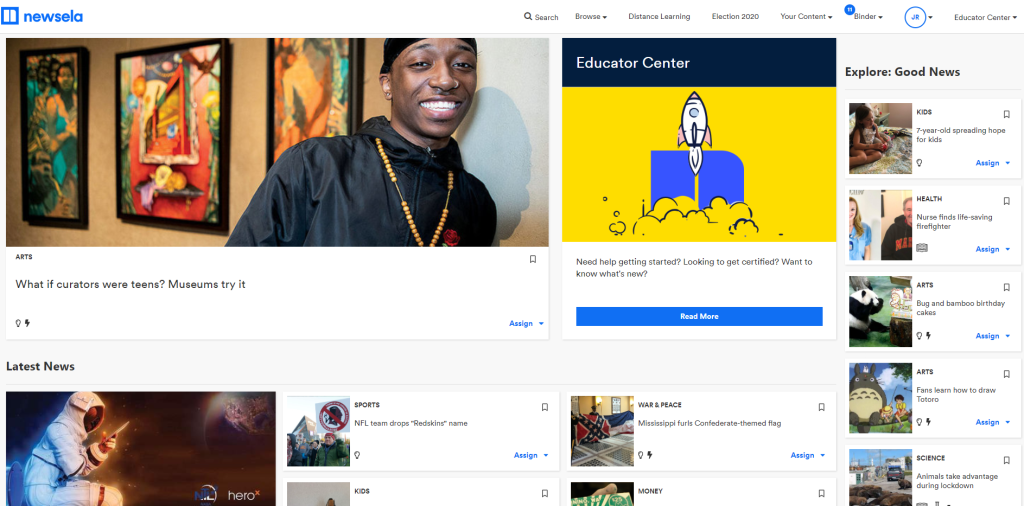
NewsELA is, at its core, a student-friendly news site with many categories to meet different grade levels and content areas. However, it offers a lot more than just that. Any time students view an article from NewsELA, they can change the Lexile Reading Level to match their reading ability. Personally I have found this feature to be a massive boon for language learners, as I can give them the opportunity to read current events without worrying about whether they fully comprehend it or not.
In addition to being able to change the Lexile level, students can also select to have each article read aloud to them – another great accommodation for students who are auditory learners or who have a reading disability such as dyslexia.
NewsELA also has multiple-choice and short-answer questions for every single article, which can be handy if you want to check for students’ understanding. You can even set up (or import from elsewhere) a virtual classroom within the program, allowing you to assign articles at the different Lexile levels based on where your individual students are at. They also have a pretty extensive Educator Center, providing lessons and suggestions on how to use different articles.
4. Flipgrid
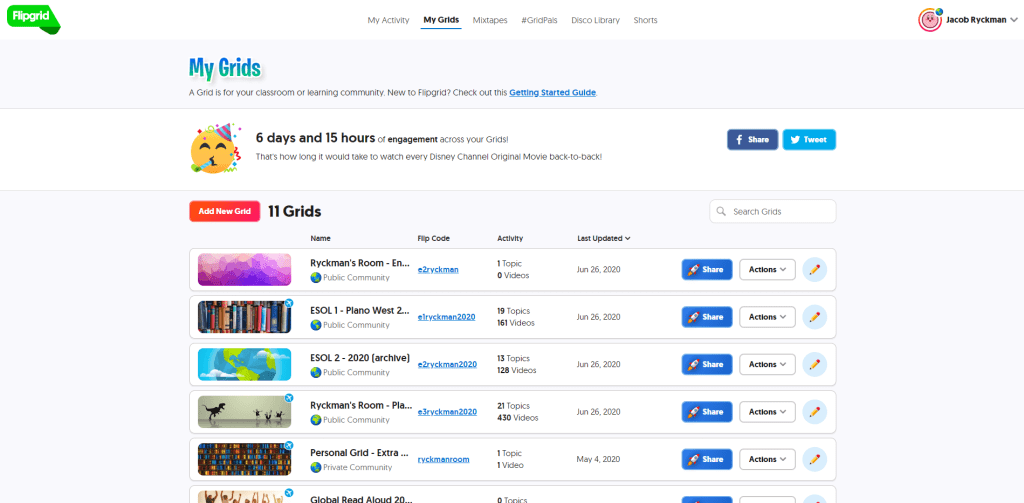
I’ve talked a lot about Flipgrid before, and for good reason: it is an incredible program. In short, Flipgrid allows you to create topics, and students then record themselves addressing the topic or answering the question. Students can respond to each other, you can provide feedback, and overall the experience is streamlined and easy to manage. And it’s completely free!
Flipgrid also has what is called the Disco Library, a resource where any teacher (and even organizations such as Wonderopolis and Flocabulary) can upload topics they’ve created, free to use for anyone. Need a topic to help introduce your students for the beginning of the year? They’ve got a ton! Want something that engages your students about climate change? Boom, got it. As a teacher of language learners, Flipgrid has been integral to helping build their speaking and listening skills, and the Disco Library has provided me with a ton of helpful resources and starting points.
With so many schools shifting to remote learning, I see Flipgrid becoming an essential part of many classrooms this year, as a way to provide a kind of face-to-face interaction that is safe and accessible for all students. And with Flipgrid getting some major updates starting August 5th, it’s only going to be getting better.
Not sure where to start on Flipgrid and want some help? I’ve got a few handy tutorials on the program, starting with my basic introductory guide right here.
5. NoRedink
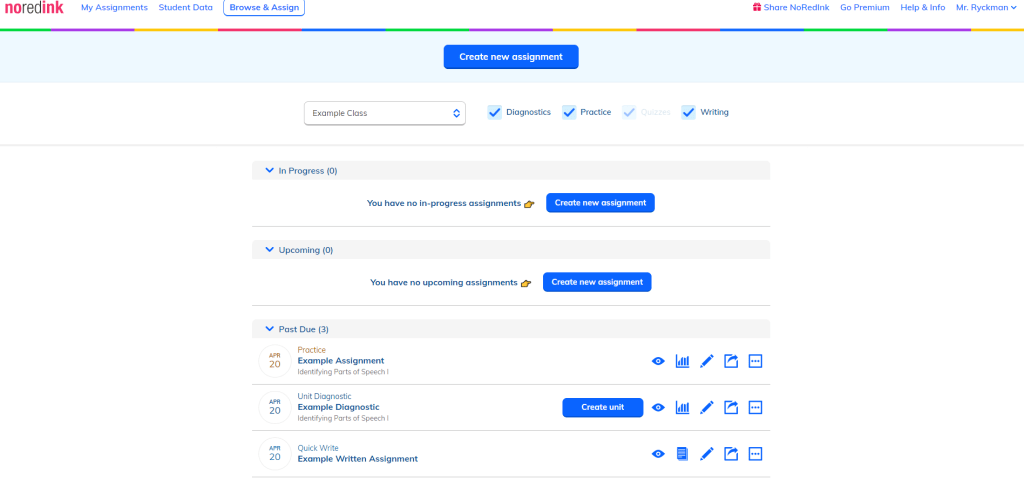
NoRedink is a handy supplemental tool for teaching and assessing grammar. You create a class – in which there are multiple options for adding the students, including importing from Google Classroom – and set up assignments for them to work through. Assignments are broken up into sections, and students have to answer multiple questions in a row correctly in order to progress to the next section. This prevents students from just blowing through the assignment blindly – they have to take things seriously!
I recommend NoRedink with a few caveats. For starters, there is a significant amount of material in the program that is behind a paywall, so don’t go in assuming that the free version will solve all of your grammar-teaching needs. Secondly, don’t use NoRedink as the sole teaching tool for different grammatical areas; while it is useful to assess understanding and maybe refresh them on concepts they’ve already learned, the program can be really frustrating and confusing for students if they are learning a concept for the first time. Overall, the program is great, but I wanted to make sure I comment on those elements.
6. Screencastify
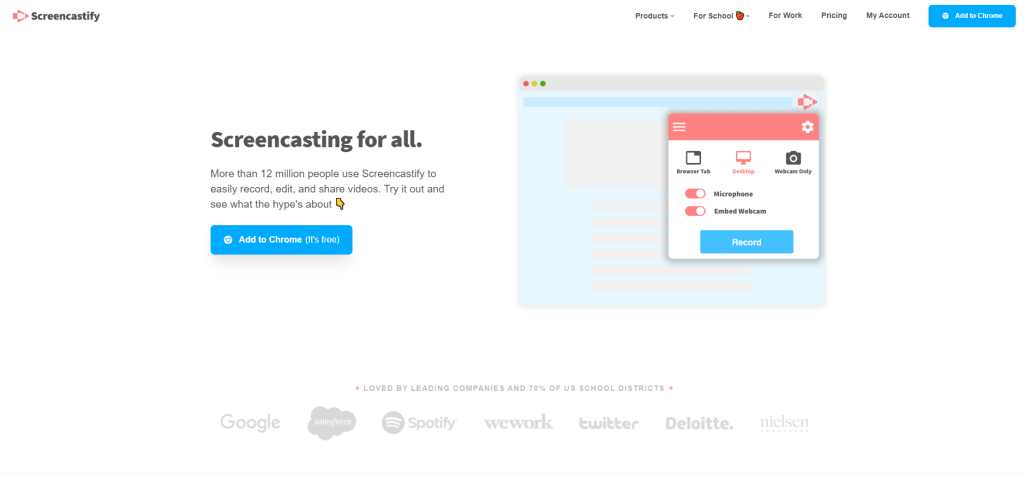
Screencastify is a screen-recording software that is built into Google Chrome. It is exceptionally easy to use (especially if you are new to recording videos), and videos are saved automatically into your Google Drive for easy access. There are a variety of recording options, too, so that if you just want to record a specific browser tab, only your webcam, or a combination of the two, you can!
Screencastify is not necessarily as powerful as other recording software, and there are some limits with the free version, but if you’re just looking to record a few short videos for your students, the free edition is all you really need. I’ve used it a bunch, and can attest to it being easy to use!
7. Gimkit
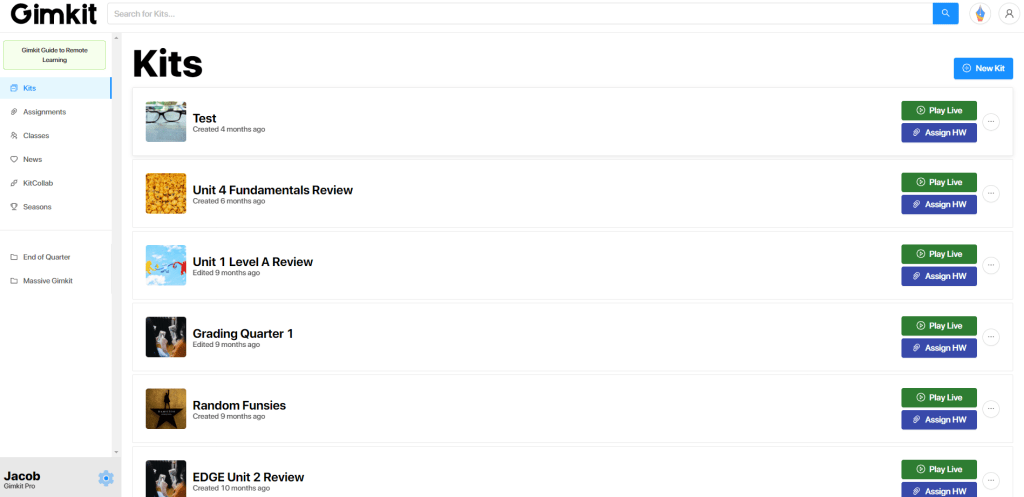
Gimkit is a quiz-creating program similar in nature to something like Quizizz or Kahoot, with one really cool factoid: it was made by a high-school student.
Yep. Isn’t that neat?
Overall, Gimkit is a great example of how to “gamify” learning; students can join a live session and compete with each other to answer questions correctly, using the points they earn from answering correct questions to purchase upgrades, cosmetic items, or to hamper their classmates. In the last two years Gimkit has also offered unique gametypes, from team-based modes to even a “Thanos” mode (based on the Avenger’s Infinity War and Endgame movies). It helps to engage students and make them feel less like they’re reviewing for a test or summarizing information and build a fun classroom environment. You can even assign kits for students to complete independently at home, so that they can continue to review and learn even while not in the classroom.
Gimkit does have a premium mode (I mean, it was started by a single high schooler, so you can’t expect him to have a big budget for this), but the free mode is still pretty extensive. There are frequent updates to the program as well, helping things to run faster or adding features like KitCollab. There is also an interesting update coming related to writing, in which Gimkit creator Josh Feinsilber promises to help make writing fun for students.
These are just 7 of the education programs I’ve found that have been exceptionally useful and helpful in my classroom. Ultimately, it comes down to your own personal preference and comfort level as far as which tools you choose to use throughout a given school year. As we shift towards more remote learning, think about what tools you need to connect with your students and help them – what tools allow you to bring in an SEL element or will help your students apply a concept better.
If there is anything you feel like I’ve left out, please feel free to leave a comment below and let me know! Thanks for making it this far and reading this post. Have a wonderful day, stay safe out there, and, as always, don’t get arrested.
 Jacob Ryckman
nice artilce , thank you . keep it up